
First-Generation Chromecast Users Report Widespread Device Failures
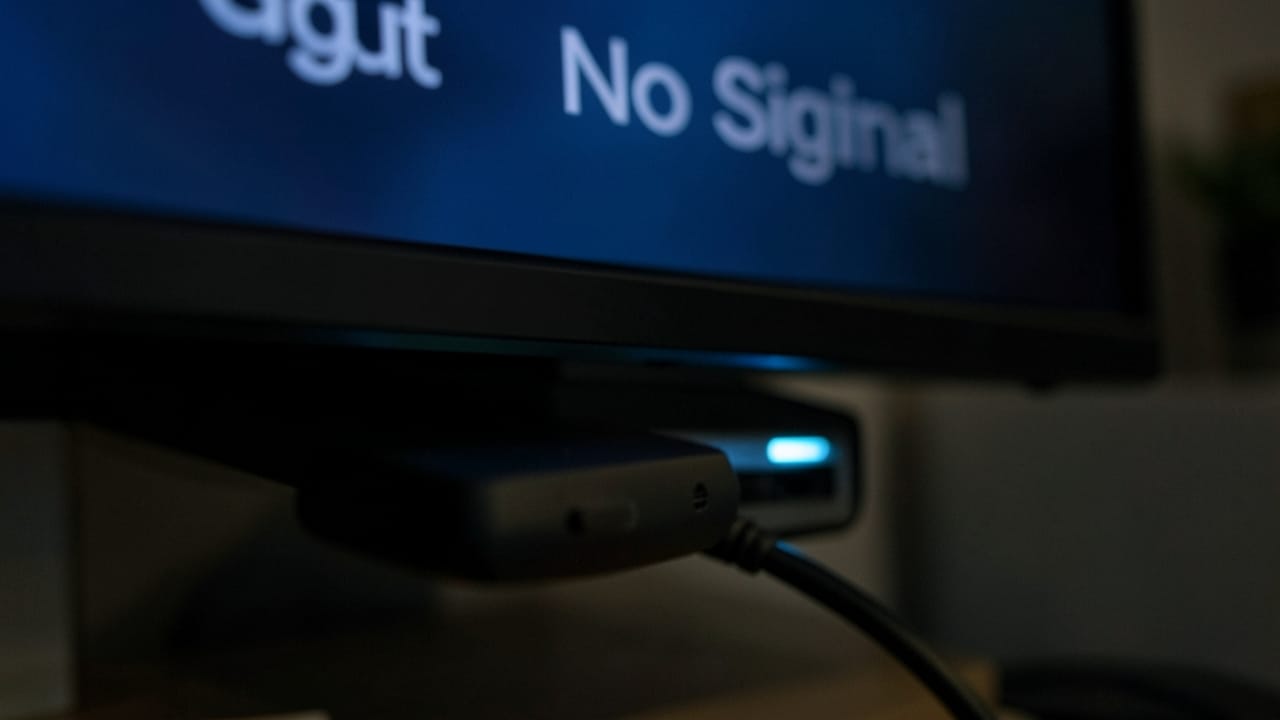
A growing number of users who own the original, first-generation Chromecast are reporting that their devices have suddenly stopped working. This widespread issue has left many scrambling to find solutions and lamenting the end of life for a beloved streaming dongle.
The first-generation Chromecast, launched by Google in 2013, was a revolutionary device that made smart TV functionality accessible and affordable for millions. Its simple plug-and-play design allowed users to "cast" content from their smartphones, tablets, and computers to their televisions, transforming standard HDTVs into smart streaming hubs. However, as we continue navigating the digital era, it appears that the era of the original Chromecast may be drawing to a close, with many devices inexplicably failing.
Symptoms of the Failure
Users have taken to online forums, social media, and tech support channels to describe similar issues. The most common problem appears to be the Chromecast failing to power on, or getting stuck in a boot loop where the device repeatedly restarts without ever reaching the home screen. In some cases, the device is recognized by the TV but is unable to connect to Wi-Fi, rendering it useless.
One user on Reddit lamented, "My 1st gen Chromecast just died yesterday. It was working fine one minute and then completely unresponsive the next. No amount of factory resets or power cycling helped." Another user reported a similar experience, stating, "Mine froze during an update and now it's a paperweight. I've had it for nearly a decade, so I guess I can't complain too much, but it's still frustrating."
Potential Causes for the Failures
While Google has not released an official statement addressing these widespread failures, several theories are circulating among the tech community:
- Hardware Degradation: After more than a decade of use, the internal components of the first-generation Chromecast may simply be reaching the end of their lifespan. Capacitors and other electronic parts can degrade over time, leading to device failure.
- Software Obsoletion: It's possible that recent software updates from Google or related services (like Google Play Services or YouTube) may have introduced incompatibilities with the older hardware. Older devices often struggle to keep up with the demands of modern software.
- End of Support: Google officially ended software and security updates for the first-generation Chromecast in 2022. This means the device is no longer receiving critical patches, and its compatibility with newer network protocols or streaming services might be diminishing.
Also Read: how ai is changing daily life
What Can Users Do?
Unfortunately, for most affected users, the options are limited. The first-generation Chromecast is no longer supported by Google, and repair is generally not feasible or cost-effective.
Troubleshooting Steps (Unlikely to Succeed):
- Power Cycle: Unplug the Chromecast and the TV for a few minutes, then plug them back in.
- Different Power Source: Ensure the Chromecast is plugged directly into a wall outlet, not a USB port on the TV, and try a different outlet.
- Factory Reset: If the device shows any sign of life, try performing a factory reset (usually by holding a button on the device itself or through the Google Home app if it's still detectable).
Given the age of the device and the widespread nature of the failures, the most practical solution for most users will be to upgrade to a newer streaming device.
The Chromecast Evolution
The Chromecast line has seen significant evolution since its inception. From the basic dongle, Google introduced the Chromecast with Google TV, which features a dedicated remote and a full operating system, offering a much more robust streaming experience.
Here's a look at the Chromecast family:
| Model | Release Year | Key Features | Operating System |
|---|---|---|---|
| Chromecast (1st Gen) | 2013 | Basic casting, HDMI dongle | Proprietary firmware |
| Chromecast (2nd Gen) | 2015 | Improved Wi-Fi, smaller design | Proprietary firmware |
| Chromecast Ultra | 2016 | 4K streaming, HDR support | Proprietary firmware |
| Chromecast (3rd Gen) | 2018 | Faster performance, 1080p at 60fps | Proprietary firmware |
| Chromecast with Google TV | 2020 | HD/4K models, voice remote, full OS | Google TV (Android TV based) |
Also Read: 10 mind blowing ai tools you must try in 2026
The End of an Era for a Pioneer
The first-generation Chromecast was a trailblazer in the streaming device market, democratizing access to digital content. Its sudden demise serves as a reminder of the cyclical nature of technology and the eventual obsolescence of even the most popular gadgets. While its passing may be inconvenient for many, it also presents an opportunity to embrace newer, more capable streaming solutions and the next generation of interactive apps that define the modern home entertainment experience.
Frequently Asked Questions
Why are my first-generation Chromecast devices suddenly failing?
The exact cause is not officially confirmed by Google, but likely reasons include hardware degradation after over a decade of use, potential software incompatibilities with modern streaming services or updates, or simply the natural end of the device's support lifecycle. Google stopped providing software and security updates for the 1st gen Chromecast in 2022.
What are the common symptoms of a failing 1st gen Chromecast?
Common symptoms include the device failing to power on, getting stuck in a continuous boot loop, or being recognized by the TV but unable to connect to Wi-Fi. Essentially, the device becomes unresponsive or unusable.
Can I fix my broken first-generation Chromecast?
For most users, fixing a failed first-generation Chromecast is not practical or cost-effective. Basic troubleshooting like power cycling or attempting a factory reset is unlikely to resolve widespread hardware or software obsolescence issues. Upgrading to a newer device is usually the recommended solution.
What are the alternatives to the first-generation Chromecast?
Google offers several newer Chromecast models, most notably the Chromecast with Google TV (available in HD and 4K versions), which includes a remote and a full Google TV operating system. Other popular alternatives include devices from Roku, Amazon Fire TV, and Apple TV.