
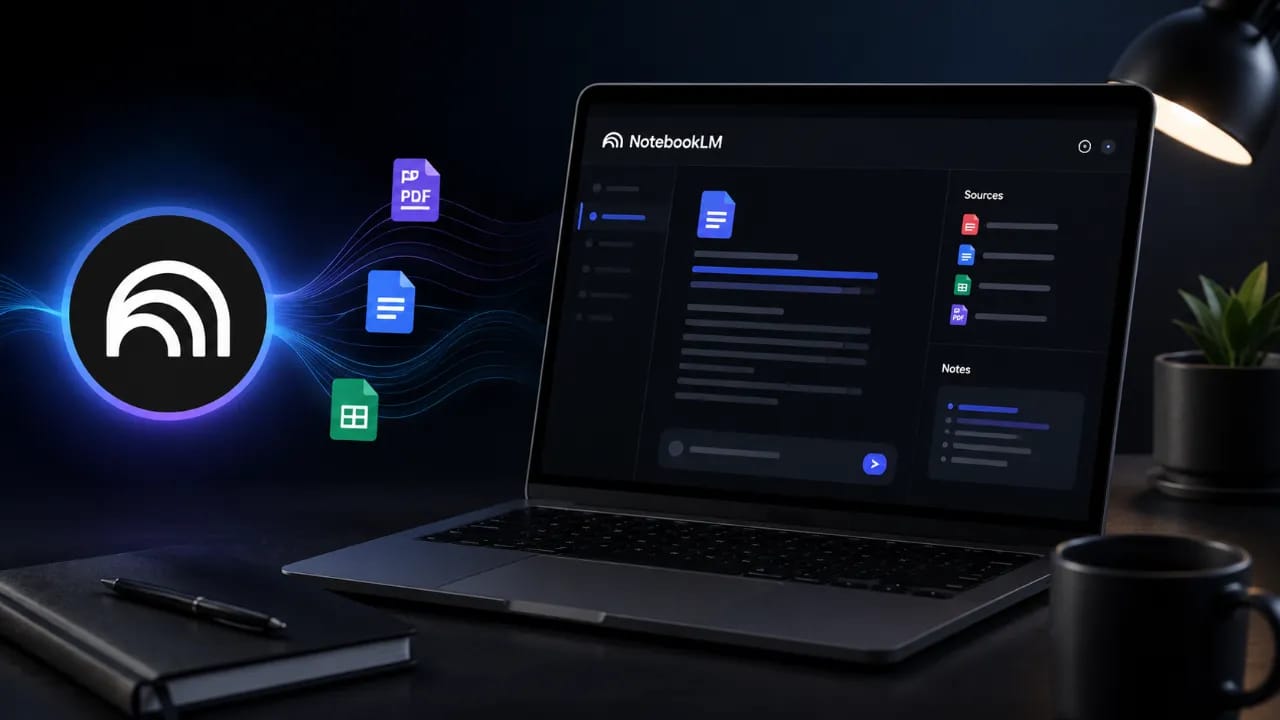
As more people explore AI productivity tools, one question continues to come up: What is NotebookLM used for? Understanding its practical applications can help you decide whether it fits into your daily workflow.
Understanding What NotebookLM Actually Does
NotebookLM is an AI-powered research assistant developed by Google that helps users interact with their own information sources. Instead of generating answers from broad internet knowledge alone, it analyzes documents, PDFs, notes, presentations, and other uploaded materials. The system then creates summaries, explanations, study guides, and answers based on those specific sources. This approach reduces the risk of irrelevant responses and makes information retrieval more focused and reliable.
The platform acts like a personalized knowledge companion that understands the context of your uploaded materials. Whether you are reviewing academic papers, company reports, legal documents, or personal notes, NotebookLM can quickly identify key themes and important details. Users can ask questions in natural language and receive answers supported by their own documents. This makes it especially useful for tasks that require deep understanding rather than simple keyword searches.
Also Read: I Tested Gemini's New Compute Limits: Google AI Pro Update
Why People Use NotebookLM in Everyday Work
Research and Academic Learning
Students and researchers often deal with hundreds of pages of reading materials. NotebookLM can summarize lengthy research papers, highlight important findings, and generate study guides from source documents. Instead of manually searching through multiple files, users can ask direct questions and receive context-aware answers. This saves significant time while improving information retention.
Content Creation and Writing
Writers and content creators use NotebookLM to organize ideas gathered from multiple sources. It can identify patterns, summarize reference materials, and help build outlines for articles, reports, and presentations. Since the tool references uploaded content, it helps maintain accuracy and consistency throughout the writing process. Many professionals use it to reduce research time before drafting content.
Business and Team Collaboration
Organizations often work with large collections of reports, meeting notes, policy documents, and project files. NotebookLM helps employees quickly locate information without manually reviewing every document. Teams can use it to generate executive summaries, prepare meeting briefings, and understand complex projects more efficiently. This improves productivity and reduces time spent searching for information.
Also Read: 12 best free courses to boost your career in 2026
NotebookLM Use Cases Compared
Different users benefit from NotebookLM in different ways. The table below highlights some common applications and their advantages. Understanding these examples can help identify where the platform provides the greatest value. Its flexibility makes it useful across multiple industries and professions.
| User Type | Primary Use | Main Benefit |
|---|---|---|
| Students | Study guides and research summaries | Faster learning and exam preparation |
| Researchers | Literature reviews and source analysis | Efficient information extraction |
| Writers | Content planning and reference management | Improved accuracy and organization |
| Business Teams | Document analysis and reporting | Better productivity and decision-making |
| Professionals | Knowledge management | Quick access to important insights |
Key Features That Make NotebookLM Stand Out
Several features distinguish NotebookLM from traditional AI chat tools. Its focus on user-provided information creates a more personalized and context-aware experience. Rather than depending entirely on general AI training data, it works directly with the sources you upload. This creates responses that are closely aligned with your actual materials.
- Document-based question answering using uploaded sources.
- Automatic summaries of long documents and reports.
- Generation of study guides and learning materials.
- Source-grounded responses with contextual references.
- Organization of notes across multiple files and topics.
- Support for various document formats and information sources.
These capabilities help users spend less time searching for information and more time applying it. As document collections grow larger, AI-powered organization becomes increasingly valuable. NotebookLM addresses this challenge by turning static documents into interactive knowledge resources. That practical approach explains its growing popularity among professionals and students alike.
Practical Tips for Getting the Most Out of NotebookLM
Start by uploading high-quality and well-organized source materials. The accuracy and usefulness of NotebookLM's responses depend heavily on the quality of the documents it analyzes. Clearly labeled files and structured information make it easier for the system to understand context. This improves both summaries and question-answering performance.
Use specific questions rather than broad requests whenever possible. Asking focused questions often produces more detailed and actionable answers. Instead of requesting a general summary, try asking about key findings, trends, recommendations, or conclusions. This approach helps uncover insights that might otherwise remain buried within lengthy documents.
Regularly update your notebooks with new information as projects evolve. Maintaining current sources ensures that generated responses remain relevant and accurate. Users who treat NotebookLM as an ongoing knowledge repository often gain the greatest long-term value. Over time, it can become a powerful central hub for research, learning, and decision-making.
Frequently Asked Questions
What is NotebookLM used for?
NotebookLM is primarily used for analyzing, organizing, summarizing, and interacting with user-provided documents. It helps users quickly understand large amounts of information and find answers within their own sources.
Is NotebookLM free to use?
Google has offered NotebookLM with free access in many regions, although features and availability may change over time. Users should check Google's latest announcements for current pricing and access details.
Can NotebookLM summarize PDFs?
Yes, NotebookLM can analyze uploaded PDF documents and generate summaries based on their contents. This feature is especially useful for research papers, reports, and lengthy reference materials.
How is NotebookLM different from ChatGPT?
NotebookLM focuses heavily on user-uploaded sources and generates responses grounded in those materials. Traditional AI chat tools often rely more broadly on their training data and general knowledge.
Who should use NotebookLM?
Students, researchers, educators, writers, business professionals, and knowledge workers can benefit from NotebookLM. Anyone who regularly works with large amounts of information may find it valuable.
The Bigger Picture
As digital information continues to grow at an unprecedented pace, tools that help people understand and organize knowledge become increasingly important. NotebookLM represents a shift from generic AI assistance toward source-focused intelligence that works directly with a user's own content. Its ability to transform documents into interactive knowledge bases makes it useful across education, research, business, and personal productivity. For anyone wondering what NotebookLM is used for, the answer is simple: it helps turn information overload into actionable understanding.